From map to CAD-ready layers in one click
Stop tracing site context manually. Get editable DXF and SVG files with buildings, roads, water, and terrain in seconds.
Select any area on the map, preview the result, and export clean editable layers ready for AutoCAD, Illustrator, or any CAD software.
Used by architects and urban planners for site plans, concept diagrams, and early-stage design.
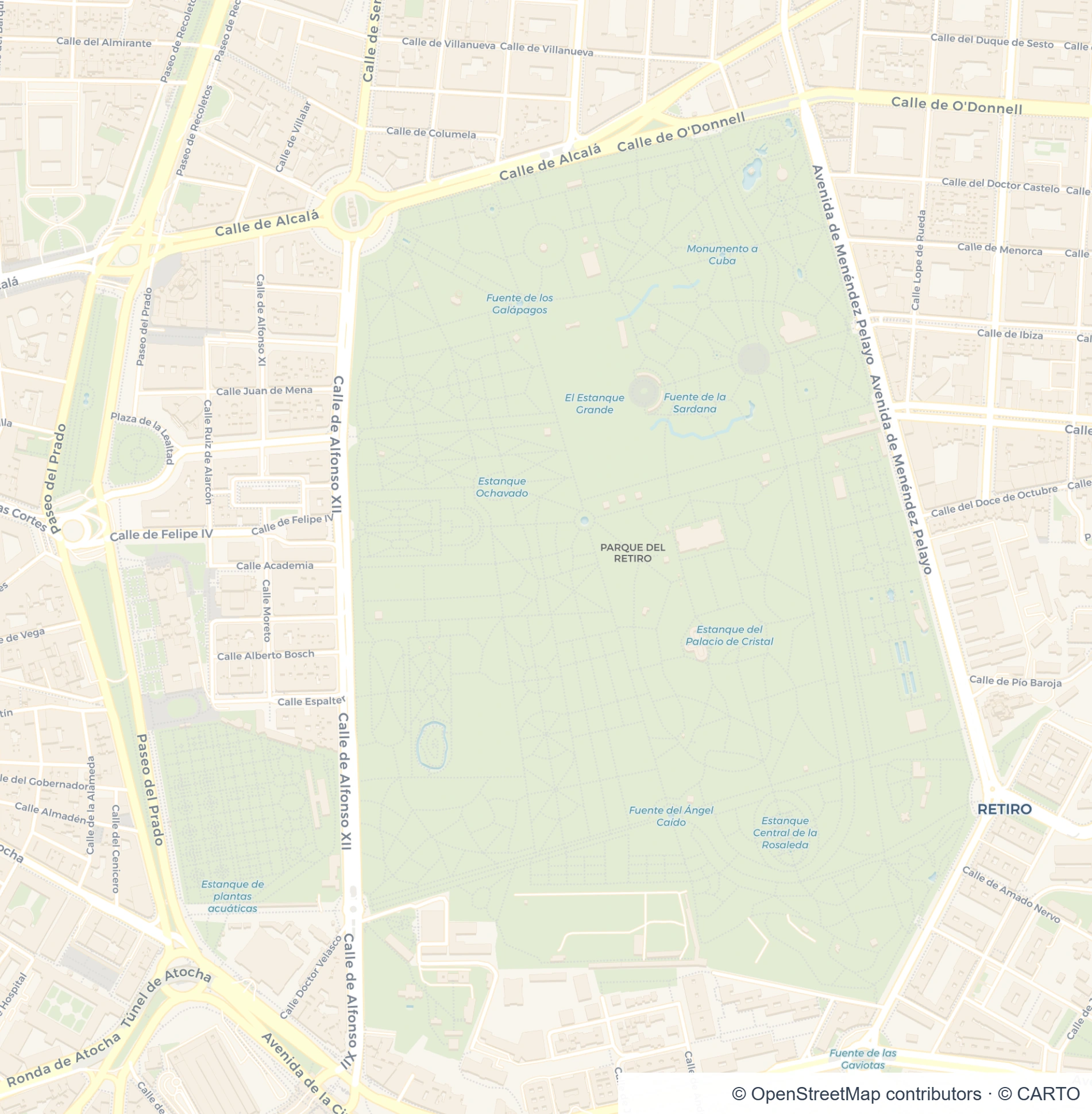
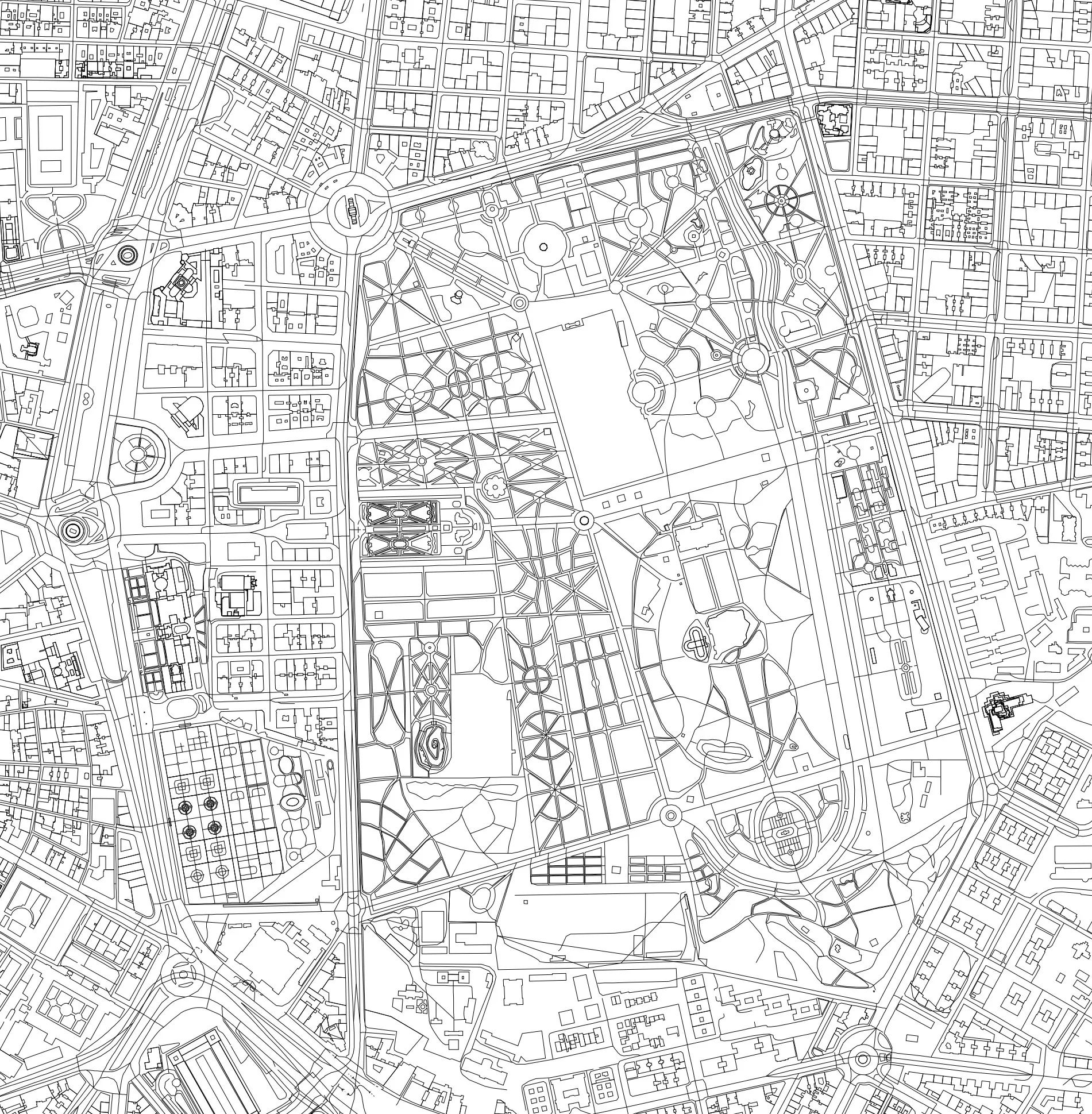

Three Simple Steps
One place, your layers, an editable file. No complex setup.
Select Your Area
Navigate to any location and draw a rectangle to define the area you want to export.
Choose Your Layers
Choose buildings, roads, water, and green spaces. Keep the layers you need for your design.
Download Your File
Generate your map, preview the result, and download your DXF or SVG file ready to edit.
Everything You Need
Professional quality CAD exports with all the data architects need.
3D Buildings
Building footprints with real heights from OSM data or configurable default heights.
Topography
Contour lines generated from NASA SRTM elevation data with customizable intervals.
Organized Layers
All elements separated into their own layers for easy editing in your CAD software.
Global Coverage
Access data from anywhere in the world using the OpenStreetMap global database.
DXF & SVG Output
DXF files for AutoCAD and SVG site analysis diagrams — two professional output formats.
Open License
Data under ODbL license. Commercial use permitted with OpenStreetMap attribution.
"Built by architects, for architects."
Drawrix was born from a real need — getting accurate CAD maps without spending hours on manual work or paying hundreds of dollars. We build and ship improvements every week, driven by feedback from architects and urban planners worldwide.
Ready to Get Started?
Create your first CAD file for free. No credit card required.
Create Map Now